Assignments
Loading assignments…
This may take a moment.
Loading assignments…
This may take a moment.
Never miss a deadline again
StudentHub connects to your Canvas LMS and shows you exactly what's due and when. Stop logging into Canvas to check each course - see everything in one calm, focused dashboard designed for students.
Canvas is powerful, but it's not designed for students who just want to know what to do next. Assignments are scattered across courses, the interface is cluttered with features you don't use, and it's easy to miss deadlines buried in notifications.
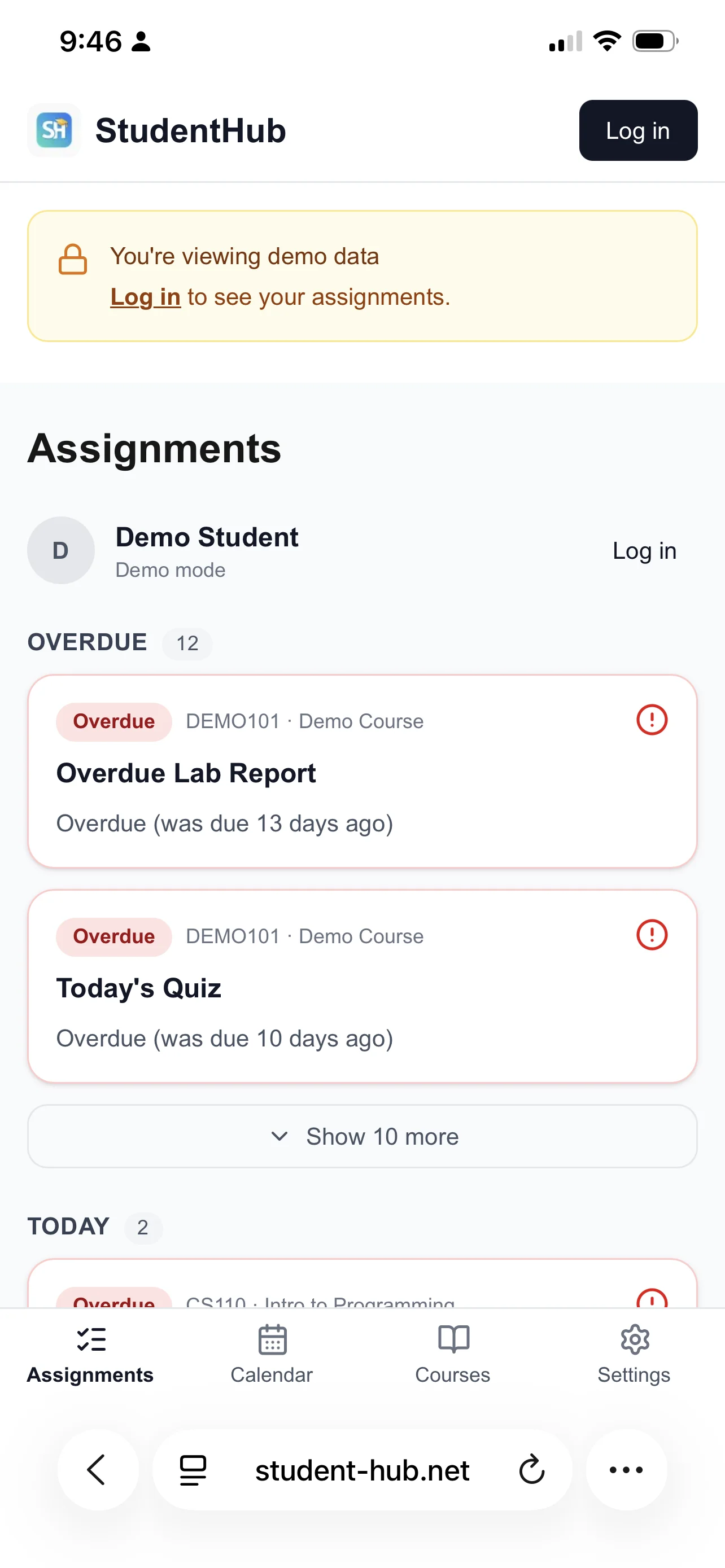
StudentHub pulls all your Canvas assignments into a single view, organized by urgency. See what's overdue, what's due today, and what's coming up this week. No clutter, no distractions - just the information you need to stay on top of your work.
Connect your Canvas account once and StudentHub automatically syncs your courses and assignments every hour.
See what's overdue, due today, due tomorrow, and due this week at a glance. No more digging through Canvas.
View assignments from all your Canvas courses in a single, unified dashboard designed for students.
Check your assignments anywhere with a clean, fast mobile interface that works on any device.
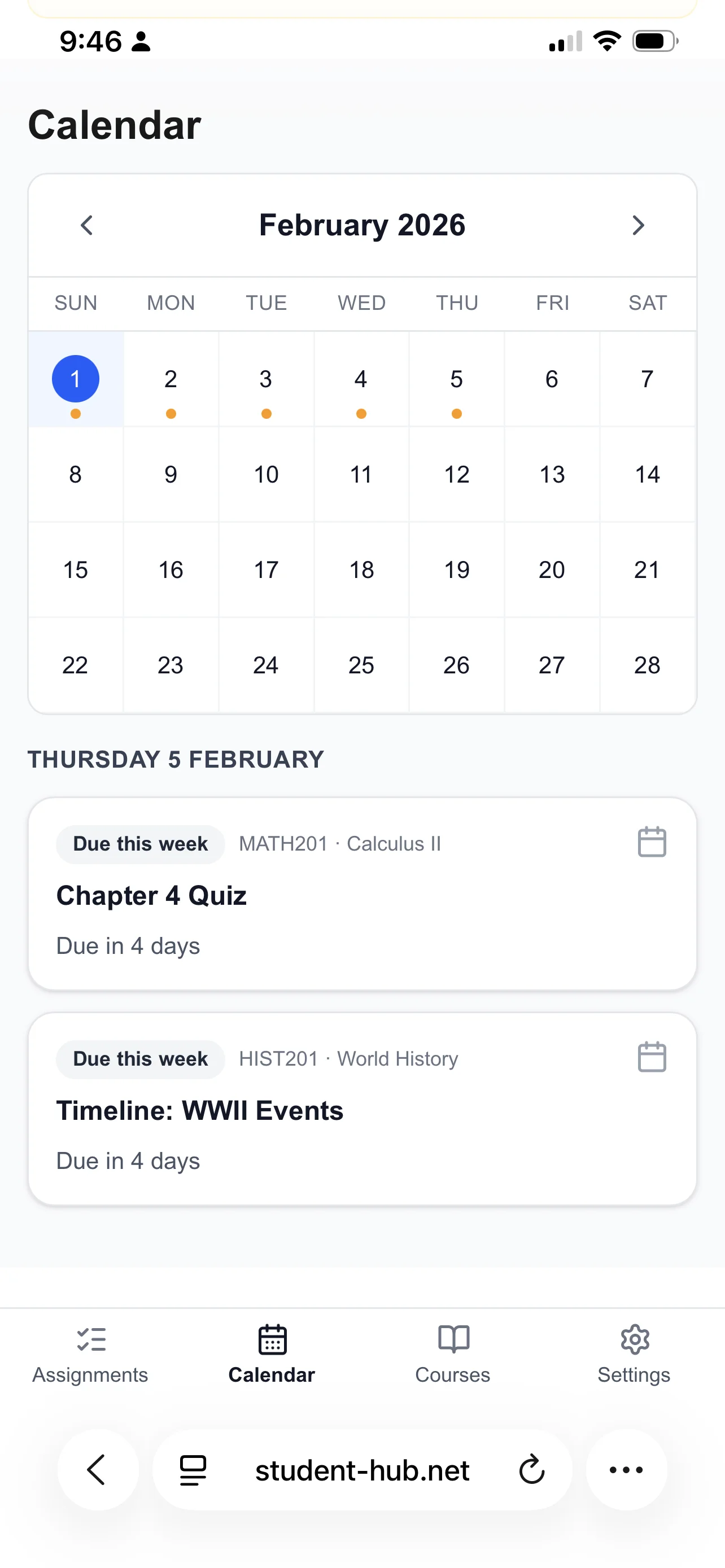
See all your due dates on a monthly calendar to plan your week and avoid deadline collisions.
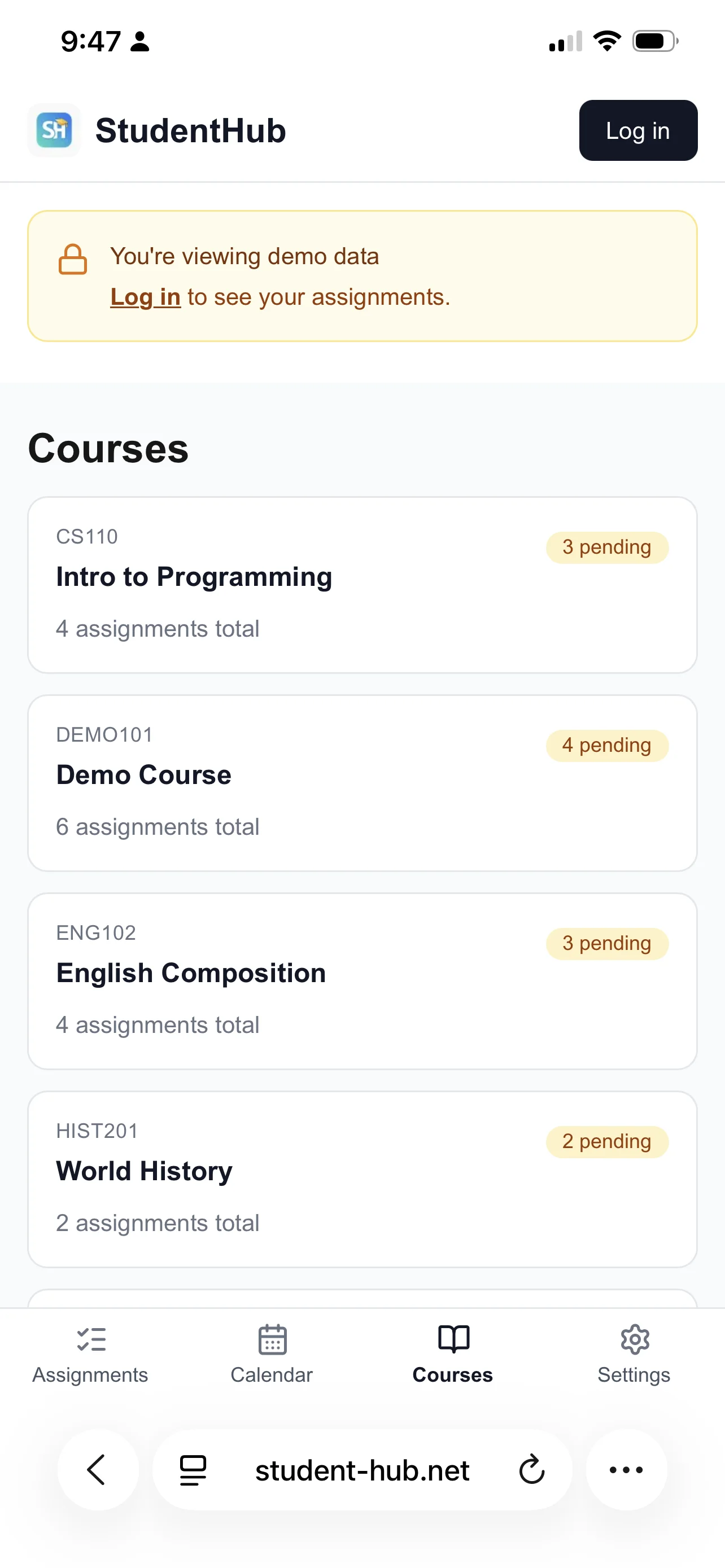
Quickly see how many pending assignments you have per course to balance your workload.
StudentHub is perfect for college students, high school students, and anyone using Canvas LMS who wants a simpler way to track assignments. Whether you're taking 3 courses or 7, StudentHub helps you stay organized without the overwhelm.
Join students who are staying on top of their assignments with StudentHub.
Try the demo